A complete guide for small business owners — Holy Shack Digital, 2026
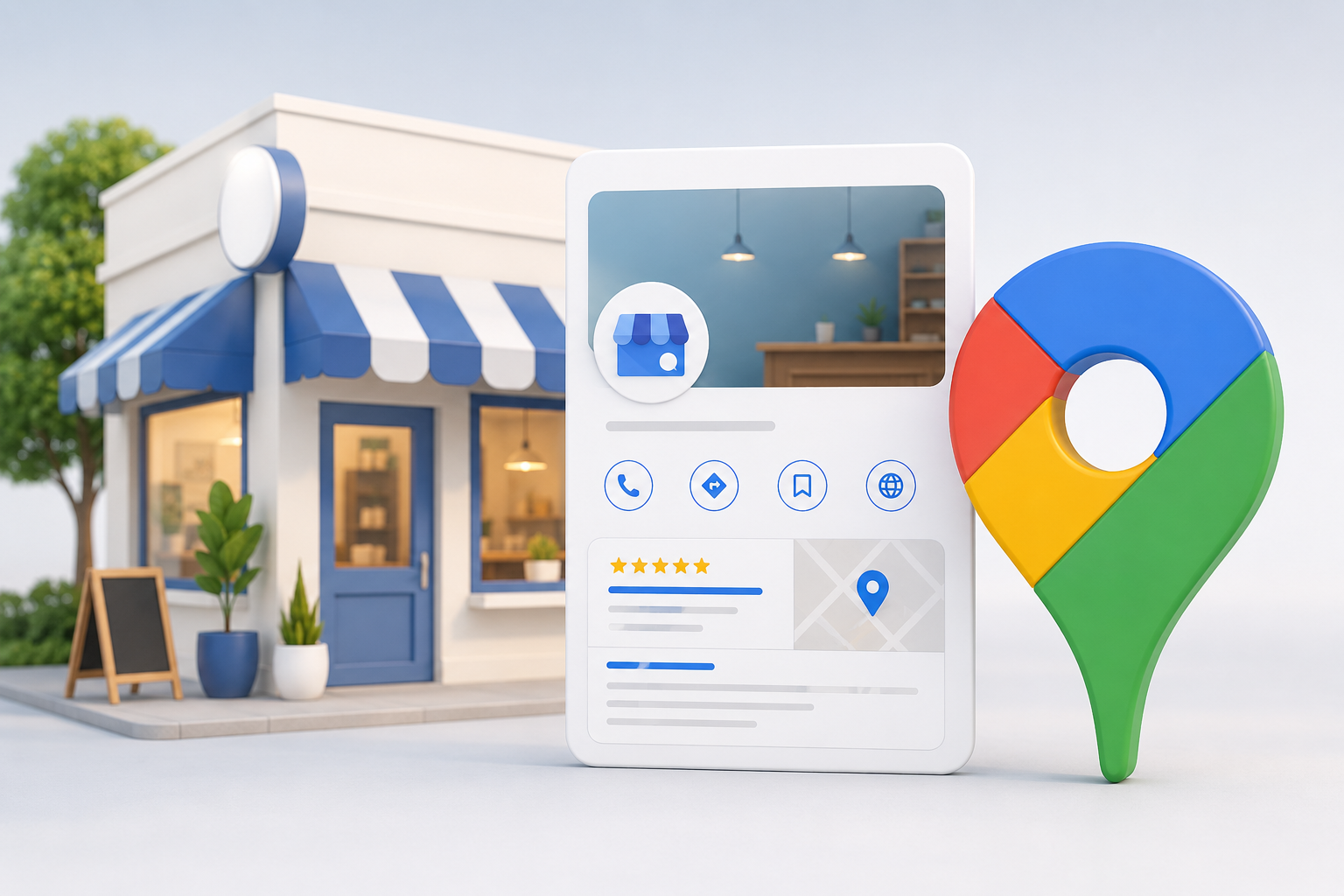
Your Google Business Profile is the most powerful free marketing tool available to a local service business. When someone searches "HVAC repair near me," "best salon in Bradenton," or "plumber open now," the businesses that appear in that map pack at the top of the page are not there by accident. They have an optimised Google Business Profile working for them around the clock.
The problem is that most business owners either set theirs up once and forgot about it, or never fully completed it. Businesses that actively manage all profile features see 67% more profile views, 43% more website clicks, and 35% more clicks when they have professional photos — compared to basic listings. That gap is entirely preventable.
Here's exactly what to do, section by section.
Step 1: Claim and Verify Your Profile
Go to business.google.com and search for your business name. If a listing already exists — which is common, as Google auto-generates profiles from public data — claim it. If not, create it from scratch.
Google offers several verification methods: video, phone, email, and postcard. Video verification has become the most common method in 2026 and is processed faster than postcard, which can take up to two weeks. You must verify before any meaningful updates take effect. An unverified profile cannot rank in the Map Pack and cannot be fully edited.
Step 2: Choose the Right Business Type
Google asks whether your business is a Storefront (customers come to you) or a Service-Area Business (you go to customers). Most service business owners default to "storefront" — which is wrong.
If customers come to you — a salon, dental practice, or restaurant — choose storefront. If you go to customers — a plumber, electrician, HVAC company, or lawn care service — choose service-area business, hide your home or office address, and define the cities and zip codes you serve. Misclassification can limit your visibility or lead to suspension.
Step 3: Get Your Name, Address, and Phone Number Right
Your business name on Google must match exactly what appears on your shopfront, website, and every directory listing. Do not add keywords — "Smith's Plumbing — Best Plumber in Sarasota" violates Google guidelines and can get your profile suspended. Just "Smith's Plumbing."
Your NAP (Name, Address, Phone) must be identical everywhere: Yelp, Bing Places, Apple Maps, Facebook, chamber of commerce listings. Even "123 Main St" vs. "123 Main Street" creates a trust signal problem. Go through every major directory and make it consistent before doing anything else.
Step 4: Select Your Primary Category — The Most Important Field on Your Profile
Your primary business category is the single most influential field for Map Pack rankings. It tells Google exactly what your business does and determines which searches you can appear for.
Be specific. "Plumber" outperforms "Contractor." "Air Conditioning Contractor" outperforms "HVAC Contractor" for cooling searches. "Hair Salon" outperforms "Beauty Salon" for most queries. Browse the full list Google offers — there are thousands — and find the one that most precisely describes what the majority of your customers hire you for.
You can also add secondary categories to expand your reach without diluting your primary focus. An HVAC company might add "Furnace Repair Service," "Air Duct Cleaning Service," and "Heating Contractor."
Step 5: Write a Business Description That Actually Works
You have 750 characters. Most owners waste this space with vague phrases like "dedicated to quality service and customer satisfaction." That is a missed opportunity.
Use this formula: what you do, who you serve, what makes you different, and your service area. Here's an example that works: "We've been providing same-day HVAC repair and installation for homeowners across Bradenton and Sarasota since 2008. Licensed, insured, and backed by a 100% satisfaction guarantee — we don't leave until the job is done right." That tells Google and your customer something concrete. Generic taglines do not.
Step 6: Build Out Your Services Section
The Services section is one of the most underused parts of a Google Business Profile — and one of the most valuable. Google uses this content to match you with search queries. The more completely and specifically you fill it out, the more searches you become eligible to rank for.
List every individual service, not just broad categories. A roofing company should not just list "Roofing." It should list Roof Replacement, Roof Repair, Storm Damage Roof Repair, Gutter Installation, Roof Inspection, and Skylight Installation as separate entries. Add a 2–3 sentence description to each one. Do not copy the same description across multiple services — duplicate content weakens your profile.
Step 7: Add Photos Consistently — Not Just Once
Profiles with professional photos receive 35% more clicks than those with amateur or stock images. Photos are a trust and ranking signal, not decoration.
The types that perform best: exterior photos of your shopfront, van, or branded equipment; interior photos of your workspace or treatment room; real team photos (not stock models); work in progress and completed job photos; and before and after images if your work produces a visible transformation.
Upload in JPG or WebP rather than PNG for faster load times. Start with at least 15–30 strong photos, then add a few fresh ones each week. Consistency signals an active, engaged business to Google.
Step 8: Complete Your Attributes
Attributes are the checkboxes on your profile — "Free Wi-Fi," "Wheelchair accessible," "Online booking available," "Women-led business," "Accepts credit cards." Most owners ignore this section entirely.
In 2026, attributes carry more weight in relevance calculations. Google adds new ones regularly, so check monthly. Customers filter search results by attributes — being listed as "Open now," "Online estimates available," or "Veteran-led" can tip the decision in your favour when someone is choosing between you and a competitor.
Step 9: Set Up Your Booking Link or Call to Action
Your GBP has a website link field, a booking link field, and action buttons: "Call Now," "Book Online," "Get Quote." Use all of them.
If you use a booking system — Calendly, Acuity, Square, or your own site's booking page — link it directly. If you have a contact form, link to that specific page rather than your homepage. The 2026 algorithm update gives preference to profiles that make action easy. The simpler you make the next step, the higher your conversion rate — and the stronger the engagement signal you send back to Google.
Step 10: Post Weekly
Google Posts are short updates that appear directly on your profile in search results. In 2026 you can schedule them in advance, so batch-create a month's worth and queue it up rather than trying to remember every week.
What to post: special offers, new services, seasonal reminders ("Time to service your AC before summer — book now"), industry tips that demonstrate expertise, and job completions you're proud of. Aim for one post per week. Consistency matters more than perfection. Every post should include a call-to-action button linked to a relevant page on your website.
Step 11: Build and Manage Your Reviews
The math shifted in 2026. Google now favours review velocity and recency over total count. A business with 200 reviews and none in the past six months now ranks below a business with 80 reviews and a steady weekly flow.
Build the review request into your service process. At job completion, send a text with a direct link to your Google review page. Respond to every review — positive and negative — within 48 hours. When responding to positive reviews, thank the customer by name and reference the specific service. When responding to negative reviews, stay professional, acknowledge the concern, and offer to make it right offline.
Review responses are visible to everyone searching for you. They show future customers how you handle problems — and they signal to Google that your profile is actively managed.
Step 12: Connect Your GBP to Your Website
Your GBP and your website need to work as one consistent system. If your GBP lists kitchen remodelling but your website doesn't mention it anywhere, that inconsistency hurts your rankings. Make sure your service pages match your GBP services section, embed a Google Map on your contact page, and keep your phone number and address clearly visible site-wide.
Add UTM parameters to your GBP website link so you can track exactly how much traffic and how many leads are coming from your profile in Google Analytics. Without this, you cannot measure whether your GBP work is actually converting.
Step 13: Monitor and Maintain — This Is Not a One-Time Task
Google allows anyone — including competitors — to suggest edits to your listing. Hours, addresses, and even business names can be changed automatically. Check your profile weekly.
Weekly: check for unwanted edits, reply to new reviews, post one update, add 2–5 fresh photos, answer unanswered Q&A questions. Monthly: review your GBP analytics. How many direct searches vs. discovery searches? How many clicked to call vs. clicked to your website? How many requested directions? These numbers tell you whether your profile is working and where to focus next.
The businesses that win locally don't do one big optimisation. They do small, consistent maintenance every week.
Your GBP Gets You Found. Your Website Gets You Hired.
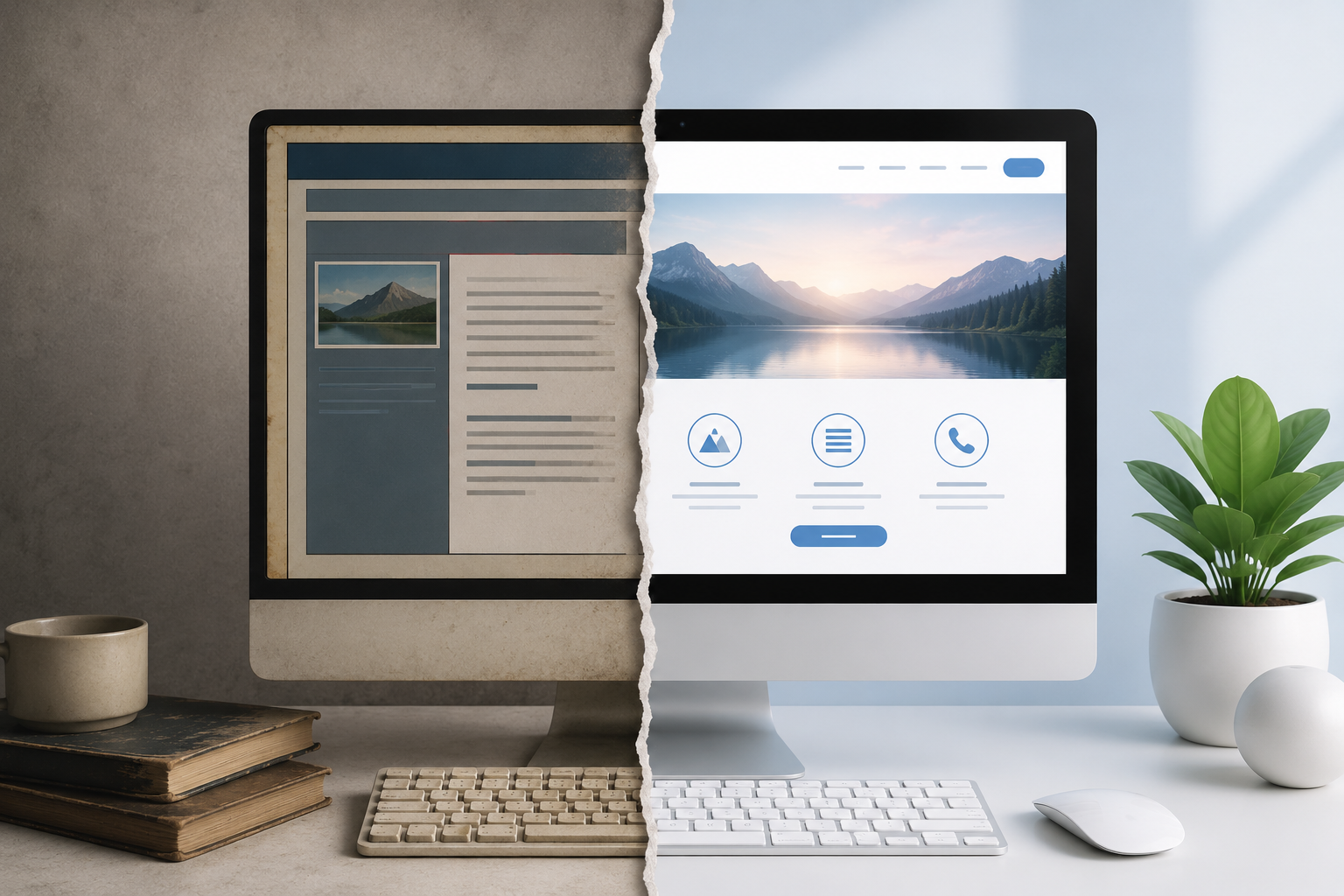
A fully optimised Google Business Profile brings people to the edge of a decision. Your website closes it. If someone clicks through from your GBP to a slow, outdated, or hard-to-navigate site — one without a clear phone number, a working contact form, or content that matches what they searched for — you lose the lead your SEO just earned.
At Holy Shack Digital, we build websites for local service businesses that are structured to support your local SEO from the ground up — fast, mobile-first, with built-in lead capture and the right on-page signals to reinforce everything your GBP is doing.
Ready to get started? Call (941) 414-3944 or visit holyshackdigital.com.art writing your post here…


Ready to Fill Your Calendar?
Book a free strategy call — we'll show you exactly how we'd run your ads and grow your business.