
Holy Shack Digital | holyshackdigital.com | Bradenton, FL
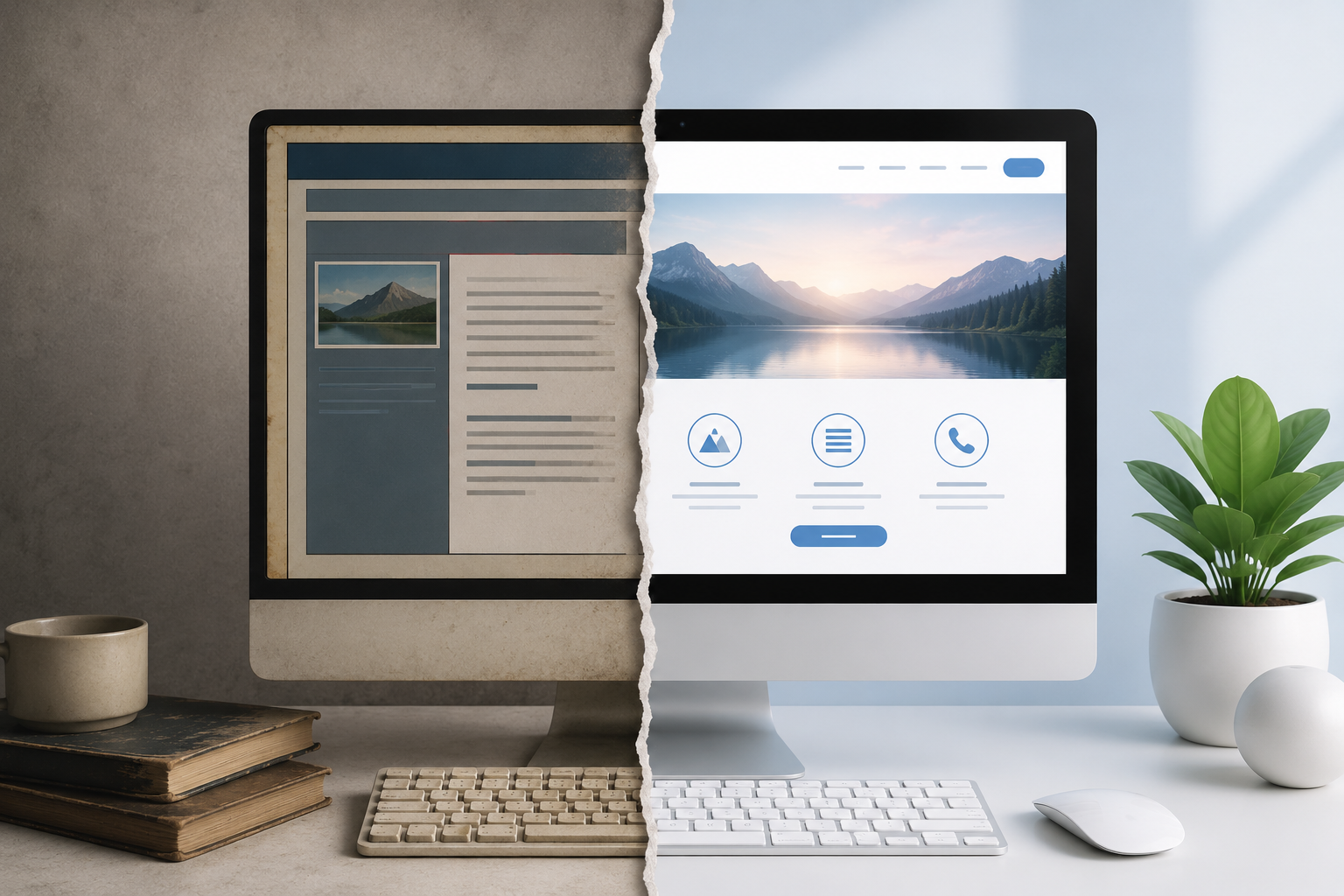
You built your website a few years ago, it looks fine to you, and customers can find your phone number on it. So it's probably still doing its job, right?
Maybe not.
Website technology, design standards, and user expectations move fast. A site that looked great in 2019 — or even 2022 — can be quietly costing you leads right now without you realizing it. Slow load times, broken mobile layouts, missing security certificates, and outdated content all send the same message to Google and to potential customers: this business might not be active, reliable, or worth trusting.
The good news is that checking your own website takes less than 20 minutes. Work through this checklist and you'll know exactly where you stand.
Quick Reference: What We Know About How Websites Affect Business
Before the checklist, a few numbers worth knowing:
According to Google's own research, 53% of mobile users abandon a site that takes longer than 3 seconds to load. A study by Stanford University found that 75% of people judge a business's credibility based on its website design. And HubSpot's 2024 State of Marketing report found that the average lifespan of a business website before a redesign is needed is just 2–3 years — shorter than most business owners assume.
Your website is often the first impression a potential customer gets of your business. An outdated one doesn't just look bad. It actively pushes people away.
The Checklist: 20 Signs Your Website Is Outdated
Work through each item. A "no" or "I'm not sure" is a red flag.
Speed & Performance
☐ Does your site load in under 3 seconds on a phone? Test it free at PageSpeed.web.dev (Google's official tool). If your score is below 70 on mobile, you have a problem. Slow sites rank lower on Google and lose visitors before they ever read a word.
☐ Does your site score 90+ on Google's Lighthouse test? Lighthouse measures performance, accessibility, best practices, and SEO together. You can run it inside Chrome's developer tools or at web.dev/measure. A score below 80 on any category is worth investigating.
☐ Are your images optimised for web? If you uploaded full-size photos from your phone or camera directly to your site, they are almost certainly slowing it down. Modern sites use compressed WebP images, not raw JPGs or PNGs. Tools like Squoosh.app (free, from Google) let you compress images before uploading.
Mobile Experience
☐ Does your site look good and work properly on a phone? Pick up your phone right now and visit your own website. Is the text readable without zooming? Do buttons work easily with a thumb? Does anything overlap or break? Over 60% of all web traffic now comes from mobile devices, according to Statcounter's 2024 Global Stats report. If your site is hard to use on a phone, you are losing more than half your visitors.
☐ Is your phone number tap-to-call? On a mobile site, your phone number should be a clickable link that opens the dial pad automatically. If a customer has to write down your number and dial it manually, most won't bother.
☐ Are your buttons and links easy to tap? Google's guidelines recommend touch targets of at least 48x48 pixels. Tiny links built for mouse cursors are unusable on a touchscreen and will cost you leads.
Design & Visual Credibility
☐ Does your site look like it was built in the last 3 years? Design trends move faster than most people realise. Telltale signs of an old site include: cluttered layouts with too much text, stock photos of people shaking hands in suits, excessive use of drop shadows and bevelled edges, text in all caps everywhere, and full-width image sliders (carousels) on the homepage. These visual cues tell visitors — consciously or not — that your business may not be current.
☐ Is your branding consistent across every page? Fonts, colours, and logo usage should be identical throughout. Inconsistent branding signals a patchwork site that has been added to over the years without a plan — and it erodes trust.
☐ Are your photos real and recent? Generic stock photos of smiling strangers do not build trust. Real photos of your team, your work, and your location do. If your current headshots were taken more than four years ago, they are doing you a disservice.
☐ Is your copyright date in the footer current? This is a small thing that customers notice. A footer that says "© 2021" tells a visitor that the site may not have been touched since then. Update it every January, or better yet, link it to a script that updates automatically.
Content & Accuracy
☐ Is all your information accurate and up to date? Check your hours, address, phone number, service list, and staff bios. Out-of-date information is one of the most common problems on small business websites — and one of the most damaging. If a customer drives to your location based on incorrect hours, they won't come back.
☐ Does your site mention your current services? Businesses evolve. If you've added or dropped services in the last two years, your website should reflect that. A mismatch between what your site says and what you actually offer confuses customers and hurts your Google rankings — especially if your Google Business Profile lists services your website doesn't mention.
☐ Are there any broken links or missing pages? Click through your own site. Try every button and link. Broken pages (404 errors) frustrate visitors and are penalised by Google. You can check for broken links free at W3.org's Link Checker tool.
☐ Does your blog or news section have recent posts? A blog with the last post dated three years ago looks worse than no blog at all. Either update it regularly (monthly is enough to stay relevant) or remove it. Google's own guidance on helpful content rewards sites that are actively maintained. See Google's Helpful Content documentation at developers.google.com for more detail.
Security & Technical Standards
☐ Does your site have an SSL certificate (HTTPS)? Look at your browser's address bar. If your site shows "http://" rather than "https://", or if there is a warning icon next to your URL, your site is not secure. Google has flagged non-HTTPS sites as "Not Secure" since 2018. Many visitors will leave immediately when they see that warning — and Google ranks secure sites higher. Most hosting providers include free SSL certificates. There is no reason not to have one.
☐ Is your site free of outdated plugins or page builders? Sites built on older versions of WordPress with dozens of plugins are a security risk and a performance problem. If your site was built with a page builder like Divi, Elementor, or a similar tool on an old theme, it is likely carrying technical debt that affects both speed and security. According to Sucuri's 2023 Website Threat Research Report, outdated WordPress plugins are the number one cause of website hacks.
☐ Does your site have a privacy policy and cookie notice? Since GDPR (2018) and the CCPA in California (2020), having a clear privacy policy is a legal requirement for most business websites that collect any user data — including contact forms and analytics. Many small business sites are still missing this entirely. The FTC's guidance at ftc.gov/tips-advice/business-center/privacy-and-security is a good starting point.
Lead Generation & Conversion
☐ Is there a clear call to action on every page? Every page on your site should tell the visitor what to do next. Call now. Book an appointment. Get a free quote. Request a callback. If a visitor has to hunt for how to contact you, most will leave without trying.
☐ Does your contact form actually work? Test it yourself. Fill it out and see if you receive the submission. Broken contact forms are surprisingly common, especially on older sites after hosting migrations or plugin updates. If your form is broken, you have no idea how many leads you've already lost.
☐ Can you see where your leads are coming from? Google Analytics 4 should be installed and tracking on your site. Without it, you have no visibility into how many people are visiting, where they're coming from, or what they're doing on your site. If you don't have GA4 set up, you are running your marketing blind. Google's GA4 setup guide is available at support.google.com/analytics.
☐ Does your site load correctly without Flash? Adobe officially ended Flash support in December 2020. Any site still relying on Flash elements will show broken or missing content in every modern browser. If this applies to you, a rebuild is not optional — it is overdue.
How to Score Yourself
Count up your red flags:
0–3 issues: Your site is in decent shape. Focus on the specific gaps you found.
4–7 issues: Your site has meaningful problems that are likely costing you leads. Prioritise the speed, mobile, and security items first.
8–12 issues: Your site needs significant work. The cumulative effect of these problems is hurting your Google rankings and your conversions.
13+ issues: It is almost certainly more cost-effective to rebuild than to patch. A modern site built on the right platform will pay for itself quickly.
Where to Go From Here
If you want to dig deeper, these free tools will give you a detailed picture of your site's health:
Google PageSpeed Insights — pagespeed.web.dev — speed and core web vitals
Google Search Console — search.google.com/search-console — indexing, errors, and search performance
GTmetrix — gtmetrix.com — load time and performance waterfall
SSL Labs — ssllabs.com/ssltest — security certificate check
W3C Link Checker — validator.w3.org/checklink — broken links
Google's Mobile-Friendly Test — search.google.com/test/mobile-friendly — mobile usability
The Bottom Line
An outdated website is not just an aesthetic problem. It is a business problem. It affects how high you rank on Google, how many visitors stay long enough to contact you, and whether people trust your business enough to pick up the phone.
The checklist above covers the most common and most costly issues. Even fixing two or three of the items above — speeding up your images, making your phone number tap-to-call, adding a clear CTA on your homepage — can produce a measurable increase in leads without a full rebuild.
If you worked through this list and found more problems than you expected, you're not alone. Most small business websites we look at have at least five to eight issues. The difference is that now you know exactly what they are.
Want a free website review?
At Holy Shack Digital, we review small business websites and tell you plainly what's working, what isn't, and what it would take to fix it. No jargon, no pressure.
Call us at (941) 414-3944 or visit holyshackdigital.com to get started.
Further reading: See our guide, "How to Set Up Your Google Business Profile for Maximum Local Visibility," for the next step after your website is sorted.
Holy Shack Digital | holyshackdigital.com | Bradenton, FL | (941) 414-3944tart writing your post here…

Ready to Fill Your Calendar?
Book a free strategy call — we'll show you exactly how we'd run your ads and grow your business.